Interest loses its context
A name or email is far more useful when it stays connected to the question, resource, or next step that created the interest.

The growth engine for professionals who speak
StagePanda helps professionals who speak engage the room, capture who wants to continue, and automate the right follow-up — using the presentation they already have.
What happens after my talk?
12 people want the guide
Why talks lose momentum
StagePanda keeps the presentation, audience participation, and follow-up connected — so interest does not disappear when the room clears.
A name or email is far more useful when it stays connected to the question, resource, or next step that created the interest.
Presenters waste the most valuable hours after a talk sorting messages, files, forms, and business cards across disconnected tools.
Applause feels good, but it does not show what resonated, what people explored afterward, or which opportunities the talk created.
A faster path from talk to follow-up

Audience members join through a QR code, link, or presentation code and participate from their phone browser. They get one simple experience; you get useful context for what happens next.
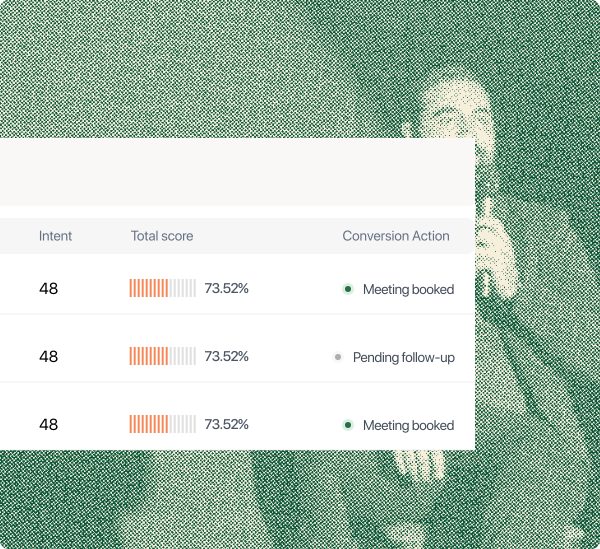
Know who engaged, what caught their attention, and what they want to do next—without sending the room through another form.
Turn the momentum in the room into useful, timely follow-up while your audience still remembers why they raised a hand.
After the final slide
Keep the presentation useful after the event and give interested audience members one clear place to revisit your ideas, resources and ways to continue.

Keep slides, resources, questions and next steps available from one shareable destination.

Keep follow-up questions and messages connected to the presentation that started the conversation.

Give people one place to explore your expertise, previous talks, resources and ways to work with you.
Reuse presentations and resources in organized collections for workshops, prospects or future audiences.
Presentation and follow-up analytics
See the ideas that moved people, the actions they took, and the opportunities your presentation created—all in one clear view.

A connected presentation workspace
Bring your PowerPoint or PDF, add engagement and next steps, and keep the audience experience connected. Create inside StagePanda when it helps—but slide design is not the reason you have to switch.
Use PowerPoint or PDF without rebuilding everything from the beginning.
Place polls, questions, resources and calls to action where they fit naturally.
Run the presenter, projector and audience experience from one connected place.
Organise slides, media, resources and templates for the next audience.

Use case
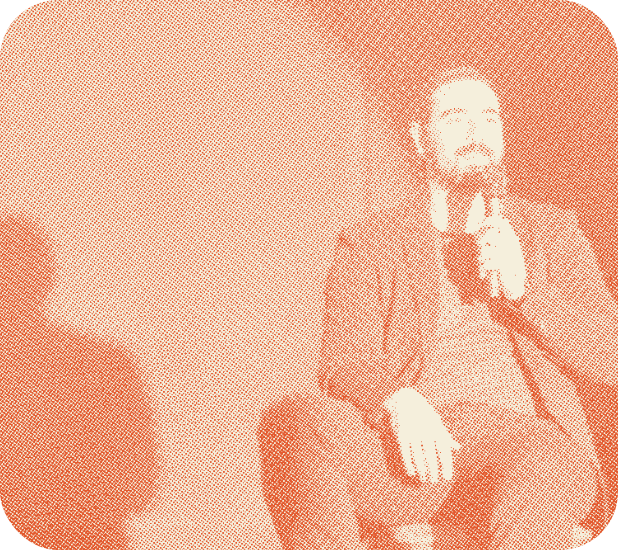
One platform around the talk
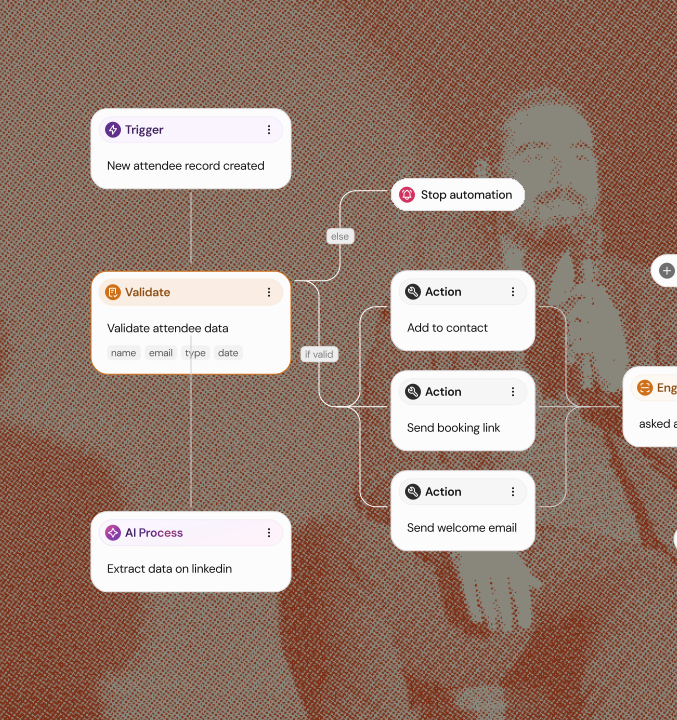
StagePanda keeps what happened in the presentation connected to the audience member and the follow-up that comes next.
 CRM
CRM
The StagePanda workflow
Questions before your next talk?
StagePanda is an event intelligence and engagement platform that helps organizers, speakers, sponsors, and exhibitors capture more value from every event. From live audience interaction to AI-driven insights, StagePanda makes every event measurable, engaging, and more profitable.
Yes. Import your existing PowerPoint or PDF as faithful images, or convert it into editable slides. You can then add polls, questions, resources, and next steps around the deck you already know.
No. Audience members join from their phone browser using a QR code, link, or short presentation code. There is no download, account, or unfamiliar tool to set up before they can participate.
No. StagePanda works for your own event, a client event, a conference session, a workshop, or an invited talk. You control the presentation and audience journey without needing to run the event.
Not at all. Use it to share resources, grow a community, collect learning feedback, book conversations, understand audience needs, or guide people toward any useful next step after your talk.
Questions, responses, resource opens, and requested next steps stay connected to the presentation. StagePanda helps you send relevant follow-up and create a clear recap without rebuilding the context.
Yes. Anyone who can open the audience link in a browser can follow and participate, whether they are in the room, joining remotely, or moving between both experiences.
Bring your current presentation, invite your first audience and experience the complete workflow. Upgrade only when you need more capacity, contacts, automations or professional controls.